
Want to increase your e-commerce conversions? Social proof widgets could be the answer. Here’s what you need to know:
- Social proof widgets show real-time user activity on your site
- They can boost conversion rates by up to 17%
- 92% of consumers trust recommendations from others over branded content
Top 5 social proof widgets:
- Robust Branding Widgets
- ProveSource
- TrustPulse
- Fomo
- Nudgify
Quick Comparison:
| Widget | Starting Price | Key Feature |
|---|---|---|
| Robust Branding | Free trial | Customizable design |
| ProveSource | Free plan | 50+ integrations |
| TrustPulse | $5/month | Budget-friendly |
| Fomo | $25/month | 100+ integrations |
| Nudgify | $9/month | Multi-language support |
These widgets tap into human nature, showing that others trust your products. They’re easy to set up, customizable, and can fit any budget. Ready to boost your sales with social proof?
Related video from YouTube
What Are Social Proof Widgets?
Social proof widgets are digital tools that show real-time user activity, reviews, and testimonials on your website. They’re like silent salespeople, nudging visitors towards buying by showing that others trust your products or services.
These widgets work because people tend to follow what others do, especially when they’re not sure about buying something. They’re effective for a few key reasons:
1. They build trust
Social proof widgets provide third-party validation of your products. A BrightLocal study found that 93% of consumers read online reviews before buying. By showing these reviews front and center, you’re addressing a crucial step in the buying process.
2. They create FOMO
Many widgets show real-time activity, creating a sense of urgency. For example, TrustPulse shows live notifications of recent purchases or sign-ups, encouraging visitors to take action.
3. They boost conversions
The impact on sales can be big. VWO, an A/B testing company, found that adding just three short text testimonials increased conversions by 34%.
4. They come in different forms
Social proof widgets can show customer reviews, star ratings, recent purchase notifications, user-generated content from social media, and live visitor counters. This variety lets you choose what works best for your business and audience.
5. They save time
Many social proof tools automatically gather and display reviews through integrations with review sites and social media platforms. This keeps your social proof up-to-date without extra work.
Some stats that show how effective social proof widgets are:
- 58% of consumers will pay more for products with good reviews
- 94% of people are influenced by star ratings when buying
- After watching a testimonial video, two out of three consumers are more likely to buy
To get the most out of social proof widgets:
- Put them near call-to-action buttons or at tricky points in the customer journey
- Make sure the social proof shown is relevant to the specific product being viewed
- Use real customer feedback, not fake or overly edited testimonials
- Choose widgets that fit your website’s design
By using social proof widgets well, you can boost trust, credibility, and sales. As Joanna Wiebe, co-founder of Copyhackers, says:
"Good social proof is useful for all landing pages because people trust other people more than they trust marketers."
In the competitive world of online selling, social proof widgets give you an edge by using the experiences of happy customers to influence new buyers. As we look at the top social proof tools next, think about how each one can fit your specific business needs and customer base.
How We Picked the Best Widgets
Choosing the top social proof widgets wasn’t easy. We dug deep to find tools that actually work. Here’s our process:
Feature Set: We looked for widgets with a full range of social proof elements. ProveSource caught our eye by showing recent purchases, visitor counts, and customer reviews all at once.
Ease of Use: We picked tools that don’t need a tech genius to set up. TrustPulse, for example, has a simple interface that lets anyone get started quickly.
Customization Options: The best widgets let you match their look to your brand. Fomo shines here, offering lots of ways to customize notifications.
Integration Capabilities: We wanted widgets that work well with other tools. Nudgify, for instance, fits right in with popular e-commerce platforms like Shopify and WooCommerce.
Pricing and Value: We made sure each widget gives you your money’s worth, even though prices differ.
Performance Impact: We tested each widget to make sure it won’t slow down your site. All our top picks have minimal effect on load times.
Data Privacy and Security: We chose widgets that take user privacy seriously and follow rules like GDPR.
Customer Support: We checked how good and fast each company’s support team is. Robust Branding Widgets offers round-the-clock support, which can be crucial for online businesses.
Real-World Results: We looked at case studies and what users say. For example, some WiserNotify users reported conversion rate increases up to 17%, though results can vary.
Scalability: We favored widgets that can grow with your business.
1. Robust Branding Widgets

Robust Branding’s social proof widgets are designed to boost your sales and build customer trust. Here’s what makes them special:
Setup and Integration
These widgets are a breeze to set up. Even if you’re not tech-savvy, you can get them up and running quickly. They work well with popular e-commerce platforms, so most online stores can use them.
Here’s something cool: Robust Branding can set up a dropshipping store with widgets in just 48 hours. That means you can start using social proof on your site FAST.
Design Options
Want your widgets to match your brand? No problem. With Robust Branding, you can:
- Change how your widgets look
- See changes as you make them
- Pick from different types of social proof widgets
This means your widgets will fit right in with your site’s look.
Results Tracking
Robust Branding knows you need data to make smart choices. Their widgets come with built-in analytics. You can:
- See how the widgets affect your sales
- Check how people interact with different social proof types
- Find out which products get the biggest boost from social proof
With this info, you can fine-tune your strategy and get the most out of your widgets.
Cost and Value
Robust Branding has plans for businesses of all sizes:
| Plan | Price | What You Get |
|---|---|---|
| Free Trial | $0 | Basic widgets, some integrations |
| Starter | $39/month | All widgets, standard analytics |
| Pro | $99/month | More customization, better support |
| Enterprise | Custom | Tailored to your needs, personal help |
You can try it for free, then pick a plan that fits your needs and budget.
But Robust Branding isn’t just about widgets. They also have an executives community where you can network with other business leaders. This could lead to new partnerships and help your business grow.
2. ProveSource
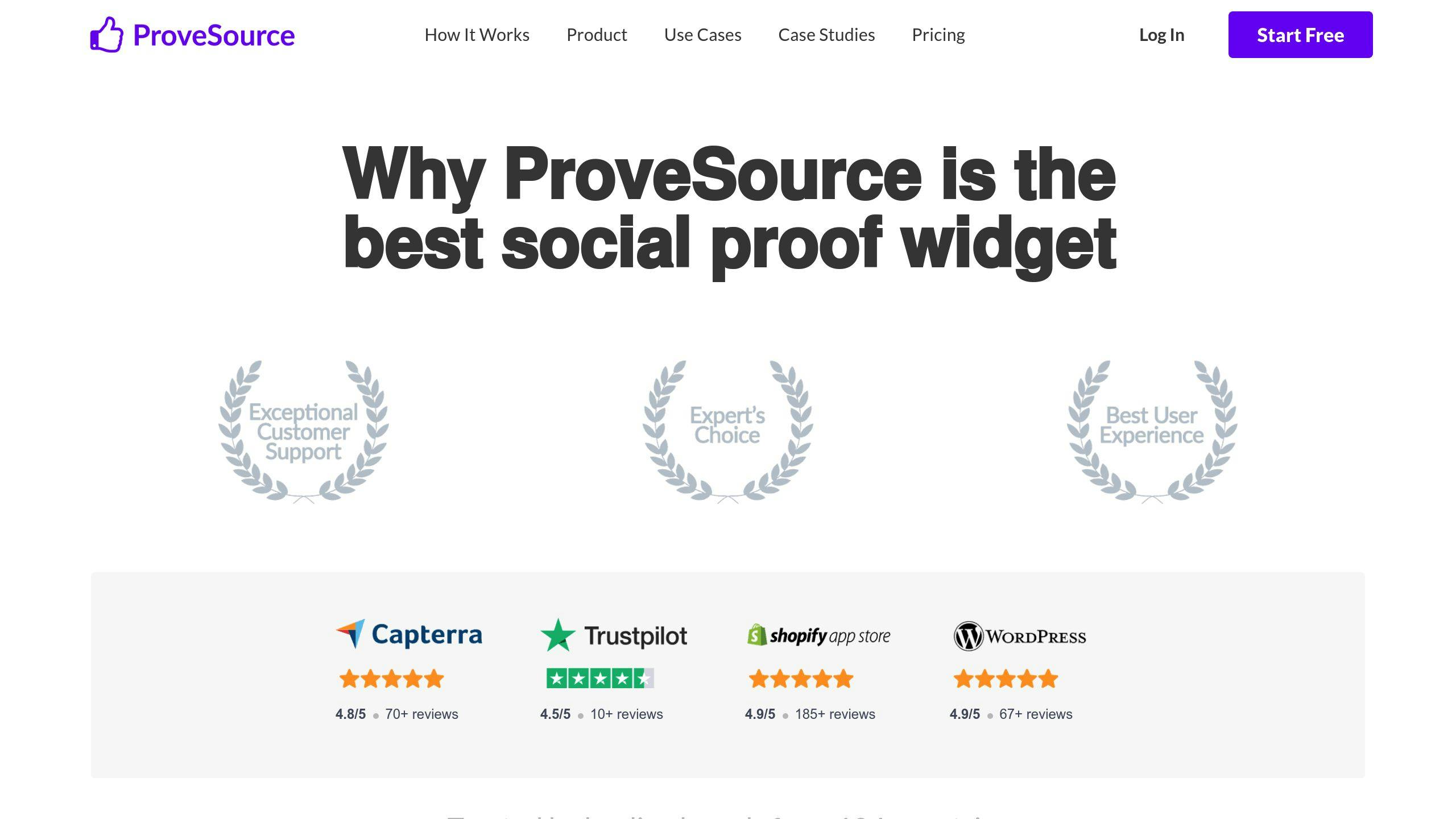
ProveSource is a social proof tool that can boost your website’s credibility and drive sales. Here’s what you need to know:
Setup and Integration
Setting up ProveSource is simple:
- Sign up
- Add a code snippet to your website
- ProveSource automatically confirms the setup
It works with over 50 platforms, making it a good fit for many businesses.
Having trouble? Try these quick fixes:
- Use Incognito mode
- Clear your site cache
- Double-check the code
Design Options
ProveSource keeps things simple. You can create:
- Recent purchase notifications
- Live visitor counts
- Customer reviews
While you can’t go crazy with customization, you can match notifications to your brand’s style.
Results Tracking
ProveSource’s analytics are solid. You can track how your social proof campaigns perform and tweak your strategy based on the data.
Cost and Value
ProveSource offers several plans:
| Plan | Price | Monthly Visitors |
|---|---|---|
| Free | $0 | 1,000 |
| Starter | $29/mo | 20,000 |
| Growth | $54/mo | 50,000 |
| Monster | $109/mo | 200,000 |
| Gorilla | $219/mo | 500,000 |
Paid plans are billed annually, which saves you money compared to monthly billing.
Over 40,000 companies use ProveSource, so it’s clearly doing something right. Pedro B., a freelancer, says: "ProveSource is a high quality tool with nice functionality and easy to apply."
While it might not have ALL the bells and whistles, ProveSource is user-friendly and gets the job done. Plus, the free plan lets you test the waters without spending a dime.
sbb-itb-fd64e4e
3. TrustPulse
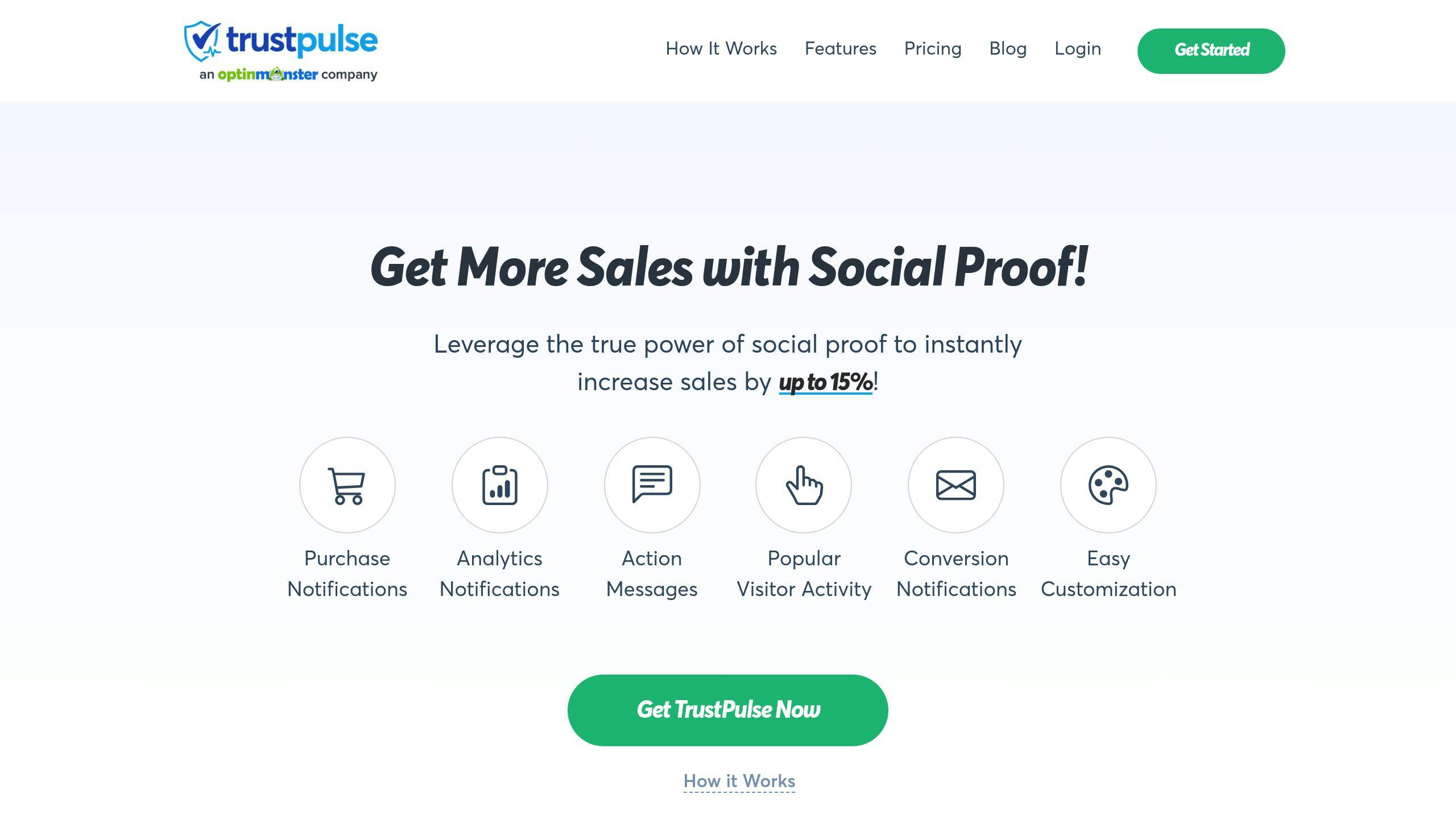
TrustPulse is a social proof tool that boosts website conversions and sales. Here’s why it’s worth your attention:
Setup and Integration
TrustPulse is a cinch to set up, even if you’re not tech-savvy. You can get it running on your site in minutes:
- Install and activate the plugin
- Create a TrustPulse account
- Follow the setup wizard
It plays nice with WordPress, Shopify, WooCommerce, BigCommerce, and Squarespace. So, no matter what e-commerce platform you’re using, TrustPulse has got you covered.
Design Options
Want your notifications to match your brand? TrustPulse has you covered:
- Tweak colors, fonts, and sizes
- Customize message text and include visitor names or product details
- Control when notifications pop up and how long they stick around
You’re in the driver’s seat when it comes to how your campaigns look and feel.
Results Tracking
TrustPulse doesn’t just help you create social proof – it helps you measure it too:
- See how notifications impact your bottom line
- Track how visitors interact with different notification types
- Run A/B tests to find your winning formula
It’s all about data-driven decisions to maximize your social proof mojo.
Cost and Value
TrustPulse won’t break the bank:
| Plan | Monthly Price | Visitors | What You Get |
|---|---|---|---|
| Basic | $5 | 2,500 | Recent Activity, On Fire campaigns |
| Plus | $10 | 10,000 | All campaign types, 3 sites |
| Pro | $19 | 50,000 | E-commerce integrations, 5 sites |
| Growth | $39 | 150,000 | White label, 10 sites |
All plans are billed yearly, saving you a chunk of change compared to monthly billing. The Pro plan at $19/month is a hit with growing businesses.
Compared to FOMO (starts at $19/month) and UseProof (starts at $29/month), TrustPulse is a steal.
Don’t just take our word for it. Chris Christoff, Co-Founder at MonsterInsights, says: "We saw an immediate increase in overall sales and signup conversion rates. TrustPulse is easily the quickest and most effective action we have taken to grow our business."
4. Fomo

Fomo is a social proof widget that can boost your sales and build trust. Here’s what you need to know:
Setup and Integration
Fomo is easy to set up. You just need one line of code, and it won’t slow down your site. It works with over 100 apps, tracking activity on and off your site.
For Shopify users, it’s even easier:
- Go to the Shopify App store
- Search for ‘Fomo’
- Click install
Then, pick your notifications and set the timing.
Design Options
You can make Fomo fit your brand:
- Change colors, fonts, and sizes
- Adjust padding and animations
- Choose where notifications show up
- Create popups in 27+ languages
As Fomo says, "The ability to sync FOMO with your branding spans as deeply as your CSS chops."
Results Tracking
Fomo helps you measure its impact:
- Built-in analytics dashboard
- Track notification performance and conversions
- Measure extra sales
- Use Fomo Scorecard to calculate ROI
Cost and Value
Fomo has plans for all business sizes:
| Plan | Monthly Price | Notifications/Month |
|---|---|---|
| Starter | $25 | 8,000 |
| Business | $75 | 40,000 |
| Pro | $149 | 300,000 |
| Advanced | $250 | 1 million |
| Unlimited | $499 | Unlimited |
All plans come with a 14-day free trial.
Fomo works. Studies show FOMO tactics can boost conversions by over 20%. Hrvoje from Bellabeat says, "Fomo is a no brainer for increasing conversions. We’ve only had it a month and it’s paid for itself dozens of times over."
To get the most out of Fomo:
- Use real data in your notifications
- Time notifications right – don’t show them immediately
- Keep designs clean and copy simple
- Use exit-intent triggers for popups
With 37,000+ websites using Fomo, it’s a top choice for social proof. Its clean interface, real-time interactions, and customization options make it stand out.
5. Nudgify
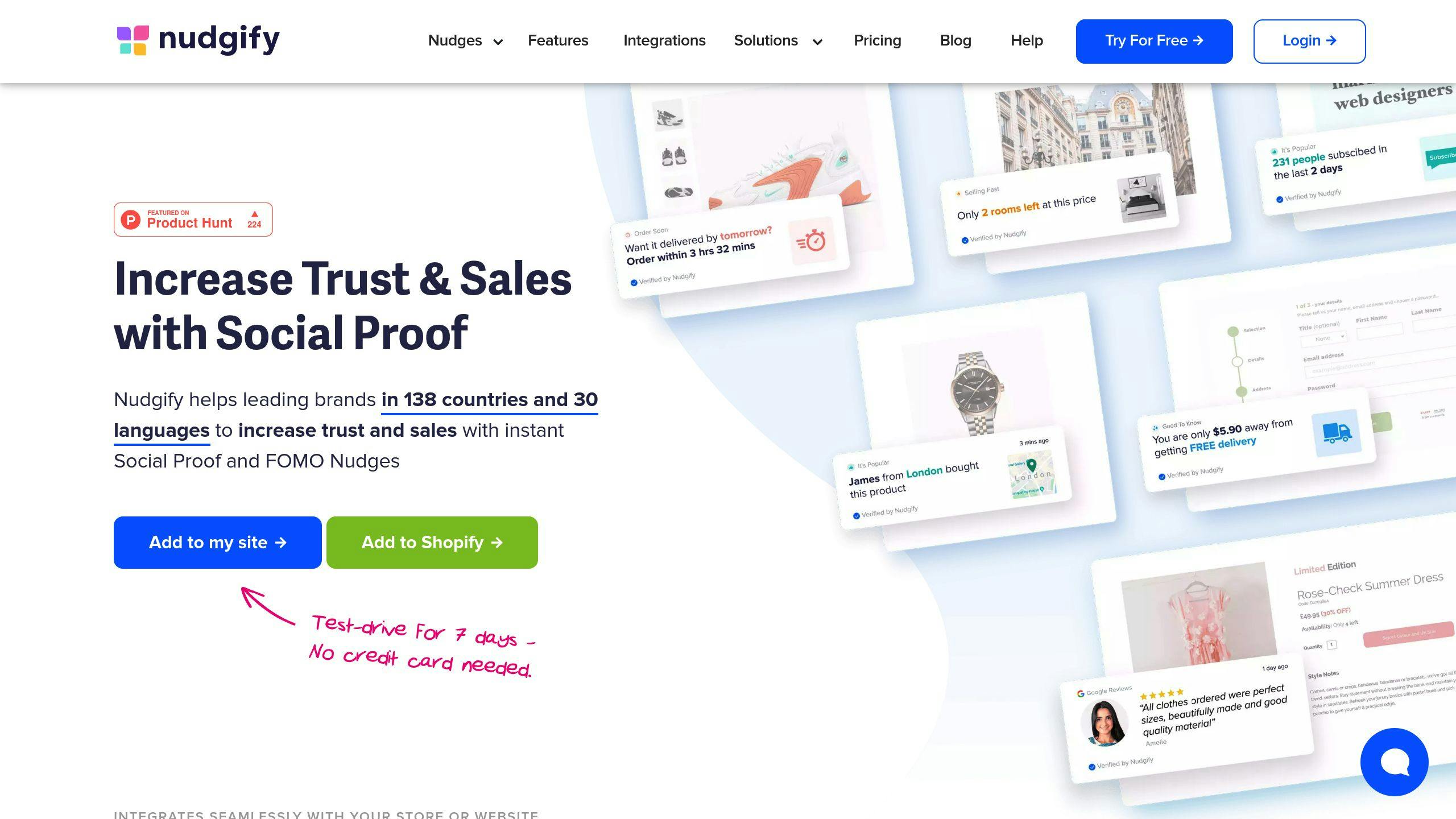
Nudgify is a social proof tool that can boost your website’s conversions and sales. Here’s what makes it stand out:
Setup and Integration
Setting up Nudgify is quick:
- Sign up
- Add one line of code to your site
- Pick your notifications
It works with over 70 other platforms, so you can pull in data from various sources for your social proof notifications.
Design Options
Nudgify lets you customize your notifications:
- Use pre-designed templates
- Change colors, fonts, and sizes
- Control timing and placement
You can even make custom notifications for specific pages to highlight key details.
Results Tracking
Nudgify helps you measure your social proof impact:
- Built-in analytics dashboard
- Track how notifications perform
- See the effect on your bottom line
This helps you fine-tune your strategy for best results.
Cost and Value
Nudgify’s pricing fits businesses of all sizes:
| Plan | Monthly Price | Visitors/Month |
|---|---|---|
| Lite | $9 | 3,000 |
| Plus | $29 | 30,000 |
| Genius | $49 | 100,000 |
| Agency | $89 | 300,000 |
| Enterprise | $189 | 1,000,000 |
All plans come with a 7-day free trial.
Nudgify is cheaper than some competitors. For example, their $29/month plan allows 30,000 visitors, while Fomo’s similar plan costs $39/month for only 10,000 visitors.
Social proof notifications can boost conversions by up to 15%. That’s huge when you consider that the average e-commerce store has a 69.57% cart abandonment rate.
To get the most out of Nudgify:
- Use real-time data to create urgency
- Show recent activity and reviews
- Match notifications to your brand
- Try different types of social proof
One Capterra review says: "Nudgify can be a game-changer for boosting online presence with its seamless integration, with third party tools to deliver compelling social proof notifications."
Nudgify is easy to use, packed with features, and won’t break the bank. It’s a solid pick for businesses wanting to use social proof to drive sales and build trust.
How to Use Social Proof Widgets
Want to boost sales and build trust? Social proof widgets are your secret weapon. Here’s how to use them:
1. Choose the Right Widget
Pick a widget that fits your needs. Look at:
- Notification types (purchases, visitor counts, reviews)
- Customization options
- Platform integration
- Pricing
TrustPulse, for example, offers various notification types and works well with WordPress and Shopify.
2. Install the Widget
Got your widget? Great. Now let’s install it:
- Sign up for an account
- Install the plugin or add a code snippet
- Connect your e-commerce platform
Using WordPress? Here’s how to set up TrustPulse:
- Go to your WordPress dashboard
- Click Plugins» Add New
- Search for "TrustPulse"
- Hit Install Now, then Activate
Easy, right?
3. Create Your First Campaign
Time to set up your campaign:
- Log into your widget dashboard
- Click "Create Campaign"
- Pick your notification type
- Customize it
With TrustPulse, you could create a "Recent Activity" campaign to show off recent purchases or sign-ups.
4. Make It Your Own
Your notifications should match your brand:
- Tweak colors, fonts, and sizes
- Craft your message
- Choose where it shows up
- Set timing and frequency
Remember: Build trust, don’t annoy users.
5. Track Activity
Set up how your widget captures user activity:
- For e-commerce: Connect to your platform
- For other actions: Use AutoMagic or Zapier
Track actions that matter to your potential customers.
6. Set Display Rules
Control your notifications:
- Pick specific pages
- Set delays
- Adjust display time
- Enable or disable on mobile
Maybe show purchase notifications on product pages and sign-ups on your homepage?
7. Test and Launch
Before going live:
- Preview your notifications
- Test on different devices
- Check site speed
All good? Hit that launch button!
8. Keep Improving
After launch:
- Track conversion rates
- A/B test different styles
- Listen to customer feedback
Many tools, like TrustPulse, have built-in analytics to help you measure impact.
Social proof widgets can be a game-changer for your site. Start small, test, and watch your conversions grow!
Widget Features and Pricing
Let’s break down the key features and pricing of top social proof widgets to help you find the best fit for your business.
Robust Branding Widgets
Robust Branding offers a free plan with easy-to-integrate widgets. Their tools include:
- Live preview
- Appearance control
- Built-in analytics
They don’t list specific premium plan prices, but their customization and analytics make them worth a look for businesses of all sizes.
Fomo
Fomo is a big player in social proof. Their plans cost $25 to $499 per month, with a 14-day free trial. They offer:
- 100+ integrations
- Real-time interaction displays
- Customizable notifications
Fomo’s pricing is based on notification volume:
| Plan | Price | Notifications |
|---|---|---|
| Starter | $25/month | 25,000 |
| Essential | $39/month | 50,000 |
| Plus | $79/month | 250,000 |
| Advanced | $199/month | 3,000,000 |
TrustPulse
TrustPulse is the budget option, starting at $5 per month for their Basic plan. Features include:
- Real-time event tracking
- Customizable notifications
- Action-based messaging
Their pricing structure:
| Plan | Price | Visitors |
|---|---|---|
| Basic | $5/month | 2,500 |
| Plus | $10/month | 10,000 |
| Pro | $19/month | 50,000 |
| Growth | $39/month | 150,000 |
ProveSource
ProveSource has a free forever plan, great for small businesses. Paid plans start at $21 per month. They offer:
- Social counter
- Multilingual support
- 50+ platform integrations
Pricing based on monthly visitors:
| Plan | Price | Visitors |
|---|---|---|
| Free | $0 | 1,000 |
| Starter | $21/month | 10,000 |
| Growth | $54/month | 50,000 |
| Monster | $109/month | 200,000 |
Nudgify
Nudgify focuses on user engagement and cart abandonment, starting at $9 per month. Key features:
- Customizable templates
- 32+ language support
- Live visitor count
Their pricing structure:
| Plan | Price | Features |
|---|---|---|
| Lite | $9/month | Basic notifications |
| Plus | $29/month | Advanced customization |
| Genius | $49/month | All features + priority support |
When picking a social proof widget, think about your budget, needed features, and integration needs. Don’t just go for the cheapest option – focus on the value each tool can bring to your business.
"Social proof widgets can boost conversions by up to 15%. That’s huge when you consider that the average e-commerce store has a 69.57% cart abandonment rate." – Industry data from Capterra
Next Steps
Want to boost your sales with social proof? Here’s how:
1. Pick your widget
Think about your budget, what features you need, and how it’ll fit with your site. TrustPulse starts at $5/month if you’re watching your wallet. Need more bells and whistles? Fomo might be your go-to at $25/month and up.
2. Set it up
Most widgets are pretty easy to install. Take TrustPulse, for example:
- Slap the plugin on your site
- Make an account
- Design your notifications
- Choose where they’ll show up
3. Test and tweak
Start small. Maybe just show recent purchases. Keep an eye on how it’s doing and adjust if needed.
4. Go bigger
Once you’re comfortable, mix it up. Try showing reviews, visitor counts, or expert shout-outs.
Here’s a fun fact: social proof can bump up your conversions by 15%. That’s huge when you think about the average e-commerce store losing 69.57% of carts to abandonment.
As digital marketing guru Neil Patel says:
"If you want people to believe in your brand, you need social proof. Testimonials, reviews, and case studies can help you build trust with your audience."
So, ready to give it a shot?